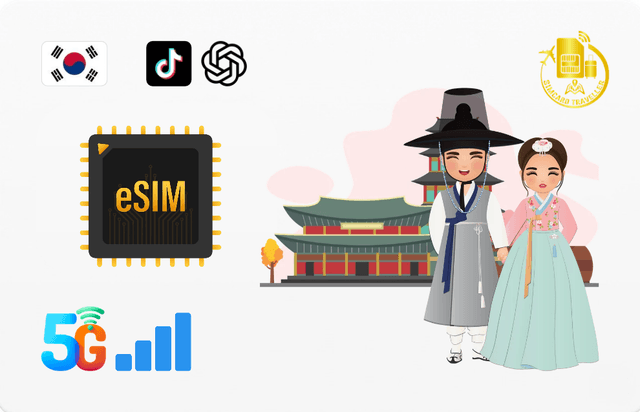
South Korea eSIM (TikTok + ChatGPT)
High-speed 4G/5G eSIM coverage across South Korea. Supports TikTok, Google, Facebook, and ChatGPT. Easy QR-code activation, no physical SIM required.
Key Features
- Coverage: South Korea
- Network: 4G/LTE/5G
- Activation: Scan/Click
- Delivery: In-App/Email
⚠️ Please confirm your data amount, validity days, and travel date before ordering. Physical SIM requires an unlocked device.
South Korea eSIM
Stay Connected While Exploring South Korea
Stay connected throughout South Korea with a convenient eSIM.
Enjoy fast 4G/5G data, automatic network connection, and support for popular services including TikTok and ChatGPT — without the need to change a physical SIM card.
🌏 Coverage
South Korea
Stay connected while exploring South Korea. Your device automatically connects to the best available local network.
📶 Network & Speed
Network: Automatic connection to the best available local network
Speed: High-speed 4G/5G
APN:
e-ideasHotspot: Supported
TikTok: Supported
ChatGPT: Supported
Note: Network speed and 5G availability depend on local coverage and device compatibility.
After the high-speed data allowance is used, the connection continues at 128 kbps until the plan expires.
📅 Validity
Install and activate the eSIM within 30 days of purchase.
Your plan starts when the eSIM first connects to a supported network.
The plan cannot be extended or recharged.
Need more data or validity? Simply purchase a new eSIM.
📱 Before You Buy
Please make sure your device:
Supports eSIM
Is carrier unlocked
Is compatible with the supported networks
This is a digital product. Once purchased, the eSIM cannot be refunded, cancelled, or exchanged.
💡 Tip: To reduce data usage, consider disabling automatic app updates, cloud backups, and photo syncing while traveling.
⚡ Installation
Before Your Trip
1. Purchase your eSIM
Your eSIM QR code will be sent to your email after purchase.
2. Install the eSIM
Scan the QR code using your compatible device and follow the on-screen instructions.
When You Arrive
3. Turn on the eSIM
Enable the eSIM in your device's mobile network settings.
4. Enable Mobile Data & Data Roaming
Select the eSIM as your Mobile Data line and turn on Data Roaming.
5. Connect
Wait approximately 2 minutes for the eSIM to connect automatically.
Settings and menu names may vary depending on your device model and operating system.
⚠️ Important
Install the eSIM only when you're ready to use it.
If you install the eSIM while already in South Korea, the plan may activate immediately.
If 5G is unavailable, your device will automatically connect to an available 4G/LTE network, depending on local network coverage and device compatibility.